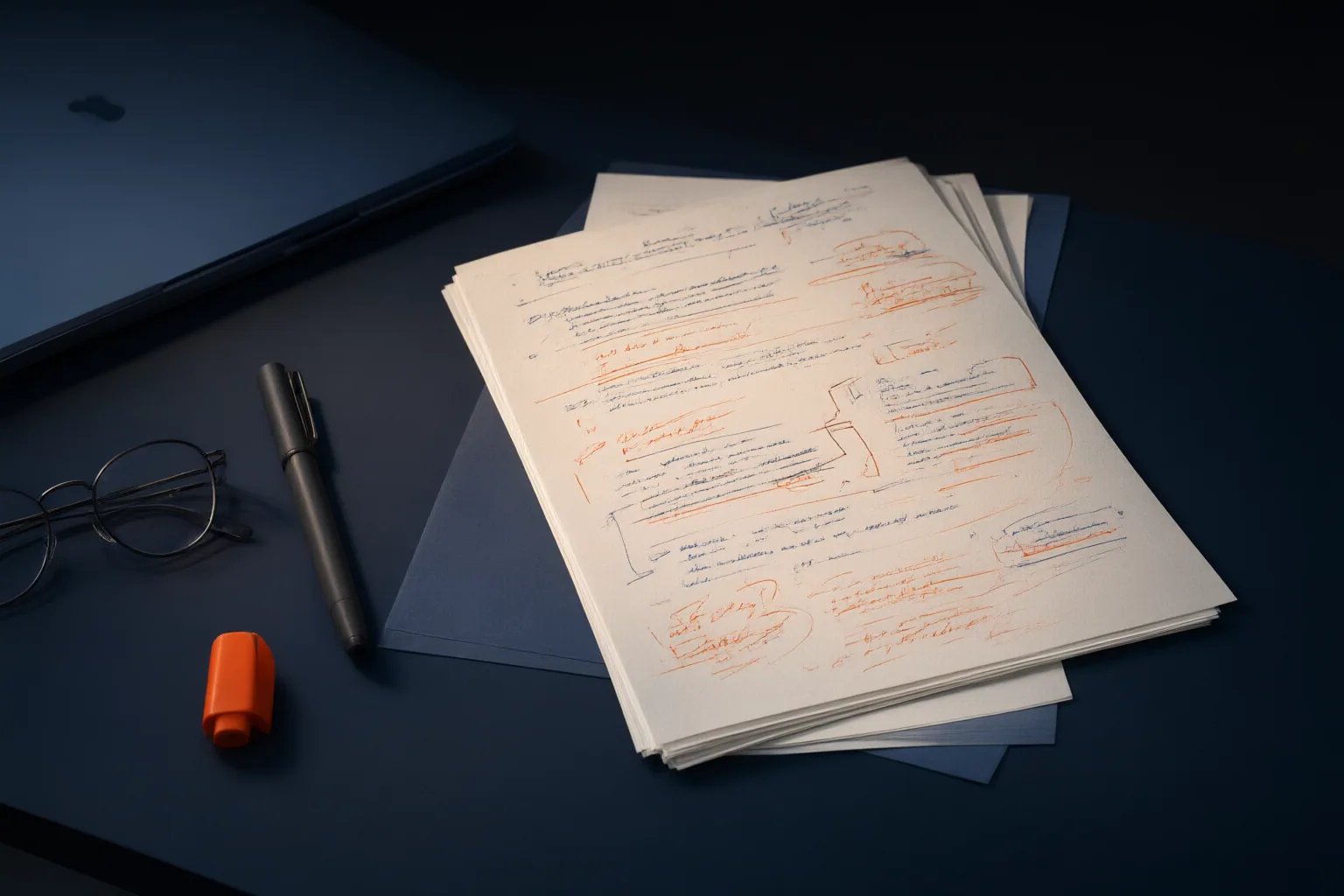
WriterDuet screenplay revision tracking separates two basic actions: Track records edits under a selected revision, while View displays revisions that have already been recorded. Three revision modes support individual, collaborative, and production workflows.
How Track and View Work
WriterDuet assigns different jobs to Track and View. Enabling Track records where edits occur and what changes under the selected revision. View then reveals revisions that have already been recorded. This distinction matters: turning on a display does not begin recording new edits, and tracking edits does not necessarily mean every recorded mark is currently visible.
The display can identify revisions through selected text colors, a matching banner along the page edge, and an asterisk in the right margin. Users can also choose to show deleted material in red with a strikethrough. Together, these indicators help a reader locate revised pages and inspect both additions and removals without treating the screenplay as an undifferentiated change history.
Choosing Production, Writer, or Custom Revisions
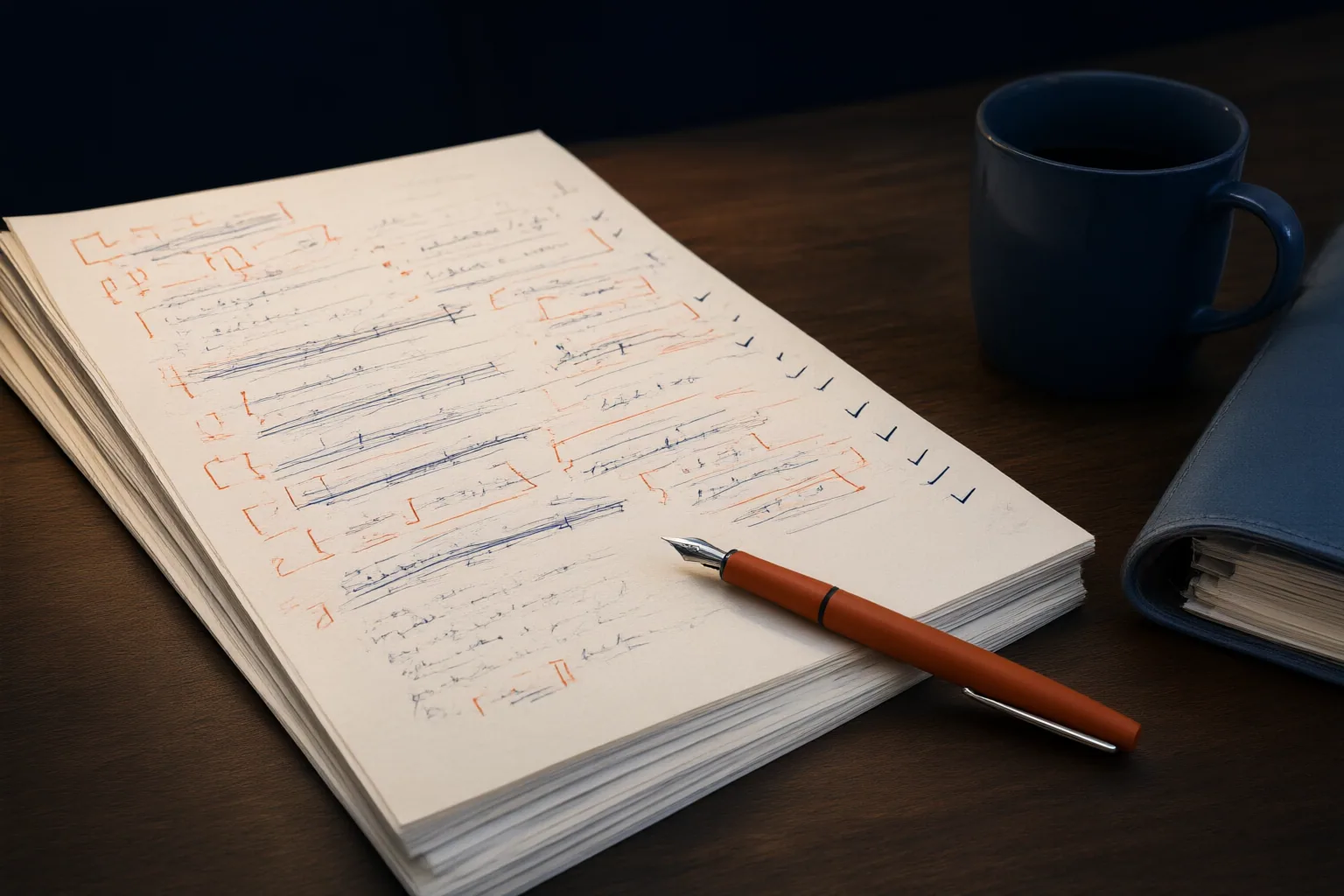
WriterDuet documents three categories: Production Revision, Writer Revision, and Custom Revision. The appropriate choice depends on whose changes need to be separated and how the revised screenplay will be used.
Production Revision is intended for production workflows. It includes preloaded color-page revisions and automatically enables tracking for all collaborators, making it the relevant option when a team needs revisions organized through an established production color sequence.
Writer Revision is designed to track the changes of one writer. It can help distinguish that person's work from edits made elsewhere in a shared project. Custom Revision is the more flexible category: it can isolate changes associated with multiple collaborators, a specific day, or a particular writing session. That makes it useful when the desired boundary is a working period or selected group rather than one writer or a production revision cycle. Teams should choose the category before editing so the recorded changes reflect the distinction they actually need.

Revision Tracking in Collaborative Workflows
WriterDuet supports real-time collaboration, allowing collaborators to see changes as they are made and to track their changes separately. An independent 2026 software comparison likewise characterizes the application as providing real-time collaborative editing and robust revision tracking, while directing readers to official vendor information for current feature and pricing details.
Separate tracking can make authorship or work-session boundaries clearer, but it is only one part of a team process. A workflow guide cautions that revision tracking, collaborator permissions, spoken insertion, and accepting or rejecting edits are distinct operations. Tracking a collaborator's changes therefore does not itself decide who may edit the screenplay or whether an edit is approved.
Before shared work begins, collaborators should separately agree on the revision category, permission rules, and the process for reviewing changes. They should also distinguish between recording edits with Track and displaying recorded revisions with View.
Conclusion
Writer Revision fits the documented need to follow one writer's edits. Custom Revision can separate work by collaborators, day, or session, while Production Revision is intended for production color-page workflows and enables tracking for all collaborators.
The supplied official material places View and Track under a Pro subscription. Because product availability can change, confirm the current details in WriterDuet's official information before depending on the feature. Then choose the revision mode that matches your workflow and test Track and View on a copy of your screenplay before introducing the process to collaborators or a production team.
Disclosures and limitations
- This article was prepared with AI assistance and is based only on the supplied official documentation, workflow guidance, and independent software comparison.
- This is an informational explanation, not a paid endorsement or affiliate recommendation. Verify current subscription and feature availability with WriterDuet before making a purchase decision.
Related reading
- Screenwriting Resources and Dramatic Reference
- Best Free Screenwriting Software Compared for Solo Writers and Writing Teams
Sources
- View and Track Revisions and Edits – Pro Feature – WriterDuet Knowledgebase — www.writerduet.com
- WriterDuet Dictation on Mac: Browser vs Desktop — IraVoice
- Best Screenwriting Software 2026: Compared & Ranked — aiscriptreader.com